Mobile iOS and Android
Approve from your phone. Spainward sends the application.
See the roles in Spain that fit your visa route, approve each application in a tap, answer what only you can answer, and follow every reply. The agent runs in the cloud, so your laptop stays closed.
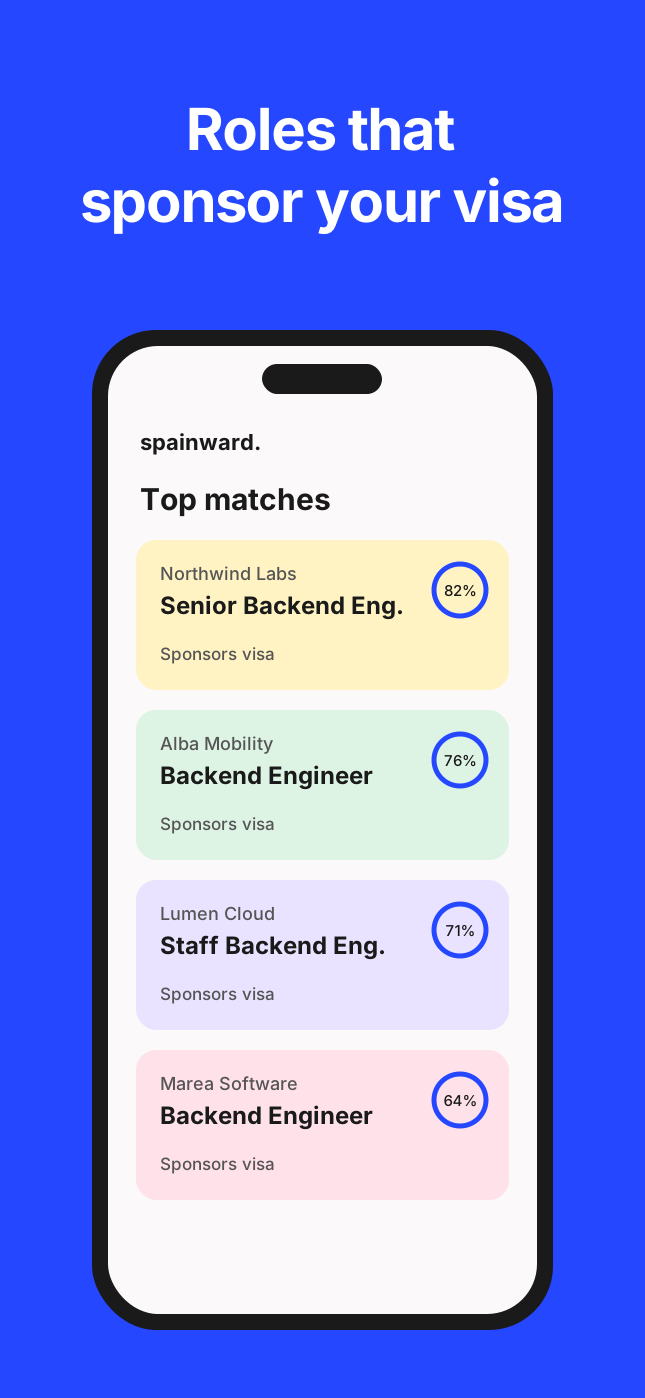
The whole product, in your pocket.
Find, approve and track without opening your laptop.
The app is not a cut-down companion. It carries the full loop, from a role that fits your visa route to the record of what was sent.
01
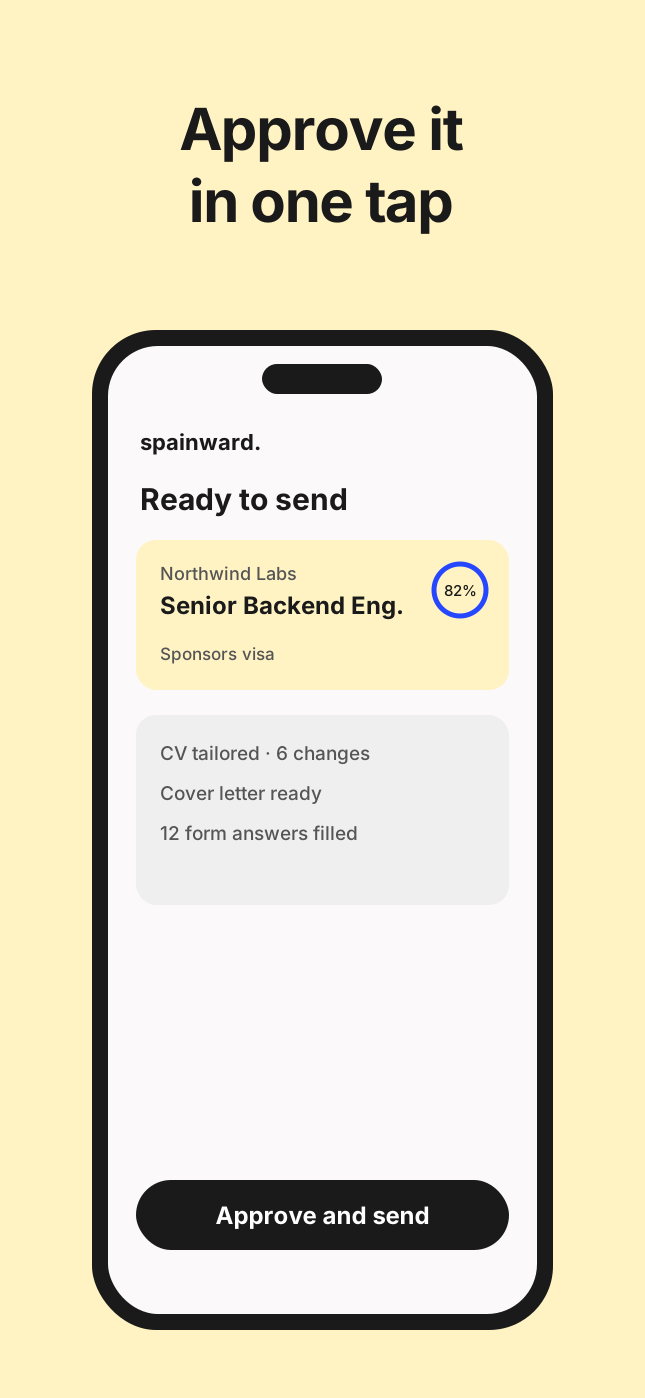
Approve before it sends
In approval mode, swipe through the week’s applications and send the ones you like.
02
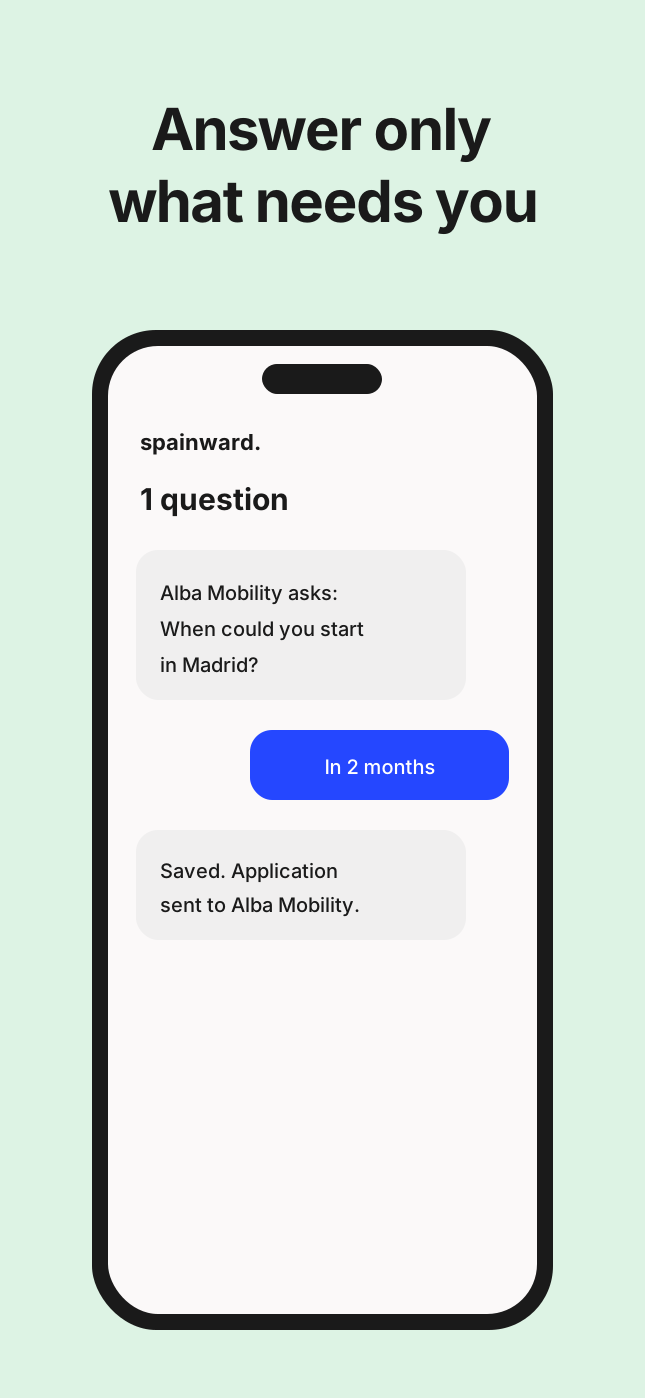
Only the questions that need you
A form asks something only you can answer. You reply in a few taps and it carries on.
03
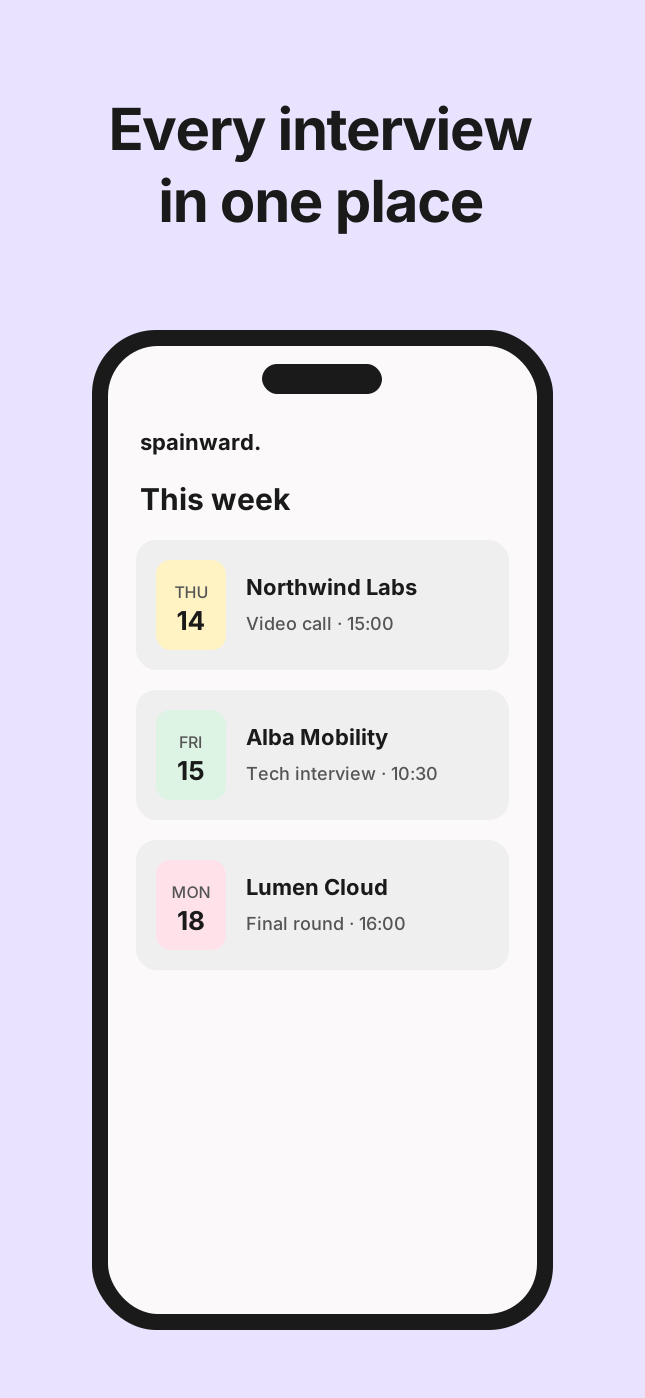
Interviews in one place
Replies and interview times from companies, next to the application they belong to.
Nothing to keep running.
Close the app. The search keeps going.
Applications run in Spainward’s cloud, not on your phone. Set your preferences once, choose how much you want to approve, and come back to a clear record of what happened.
- 01
Find
Spainward checks new roles in Spain against your CV, your visa route and where you want to live.
- 02
Apply
Approve each role, or let it apply on its own to the ones that clear your bar.
- 03
Track
Open the app for live status, replies from companies and the exact record of what was sent.
Questions about the app
Soon, on the App Store for iPhone and on Google Play for Android. Join the waitlist and we’ll write when your spot opens.
It sends them. Spainward fills in each form and submits it, unless you’ve asked to approve first.
No. The work happens in Spainward’s cloud. The app is where you approve, answer and follow.
Yes. In approval mode nothing is sent until you approve it, and you can edit the CV changes first.
Yes. Every plan includes the web and both apps, with the same account.
Coming to iOS and Android.